What happens on your device
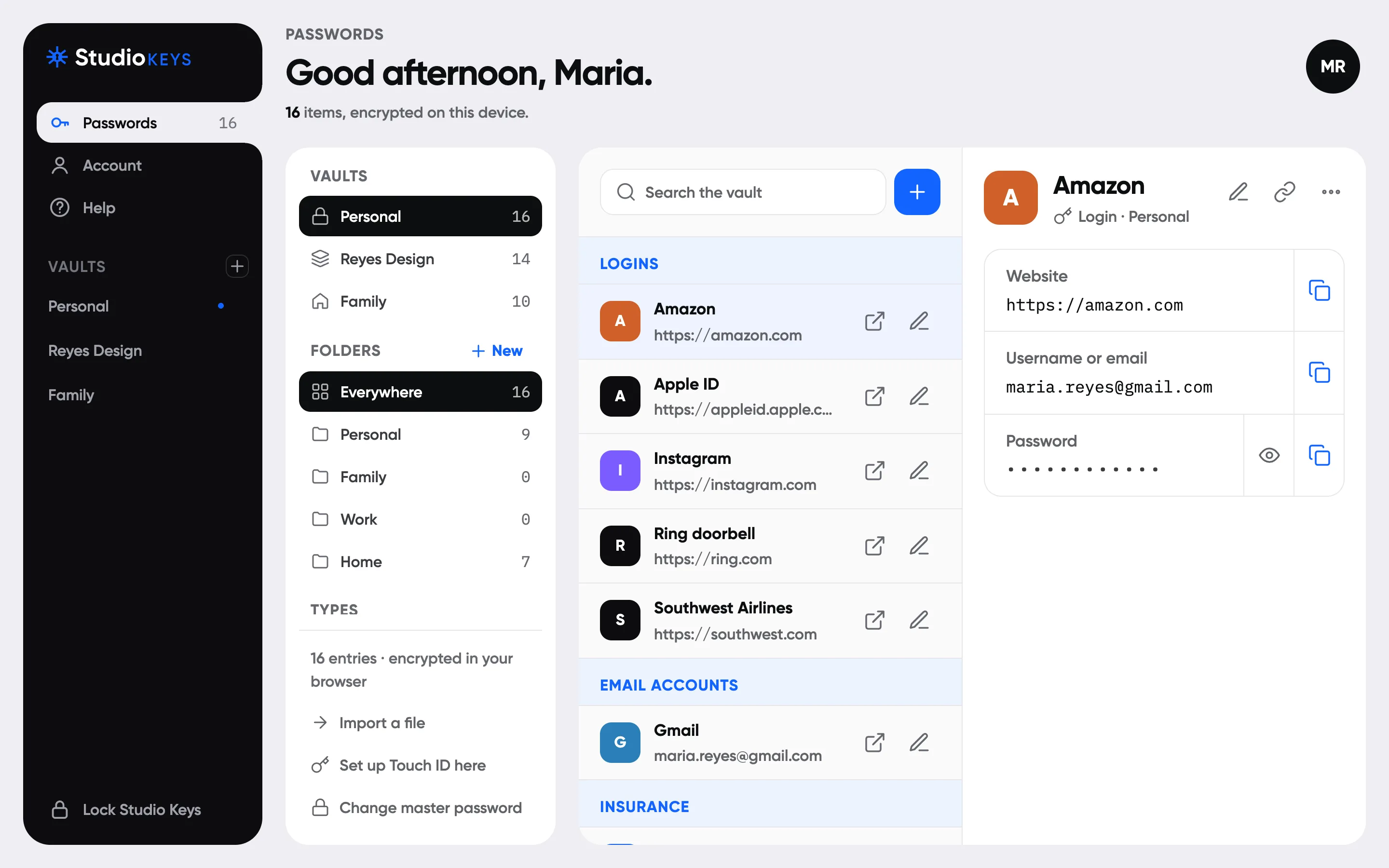
Your master password derives separate unlock and sign-in keys on your device using Argon2id and HKDF. It must be at least 12 characters and not a common password. AES-256-GCM seals the account keys, vault keys, and each item's contents before upload. Names, websites, notes, and passwords are inside that seal.
What reaches our server
A sign-in proof travels over HTTPS. We store its Argon2id hash, not your master password. Two-step sign-in is available for every account. The server stores sealed vault data, ownership, public keys, counts, sizes, and times.
What is separate from your vault
The server receives account, billing, device, and support information to run the service. Names, emails, device labels, and billing contact snapshots are encrypted at rest with a server key. That encryption is separate from your vault: the service can read those account details.
Your profile photo is public
Profile photos are not encrypted. We remove image metadata and create 512-pixel and 128-pixel WebP copies with random file names. Production photos are served from a dedicated DigitalOcean Spaces bucket and image CDN. Never use a photo containing a secret.
Your Emergency Kit matters
Keep your recovery key and backup codes safely outside the app. If you lose the details needed to open the vault, we cannot recover its contents.
What this does not promise
A stolen database and a malicious application release are different threats. A compromised device or code served by a compromised server could capture information while you use it. Local assets and a strict content policy reduce exposure; they do not remove that risk. An independent security review is still required before launch.
Legacy and waiting periods
Your browser seals copies of only your selected items and personal note under a fresh Legacy key for each beneficiary. That key is wrapped to their public key. The server holds the wrapped key and sealed bundle until the release rules pass. A hacked server could release them early to the named beneficiary, but cannot read them itself. Revocation closes future access and browser refreshes use new keys. Copies already opened cannot be taken back. Vault edits pause access until your browser prepares a fresh bundle.
Attorney partners
A linked firm sees your name, plan, setup status, beneficiary count, and last check-in. They never see vault or beneficiary details. You may allow them to end a specific beneficiary's wait after confirming passing or incapacity, and can unlink anytime. Firm logos are public, like profile photos.
Offline and sharing
Sealed export is available now. Shared vaults are available now on Family and Teams. The offline reader, offline copies, share links, and Studio link are planned. Passkey unlock requires Personal and a browser with WebAuthn PRF support. Authenticator sign-in remains required.